
How Do I Make an Outbound Call?
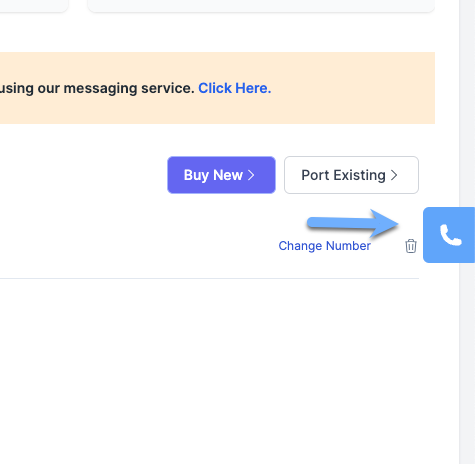
To make an outbound call, click on the phone icon on the middle right of the screen:
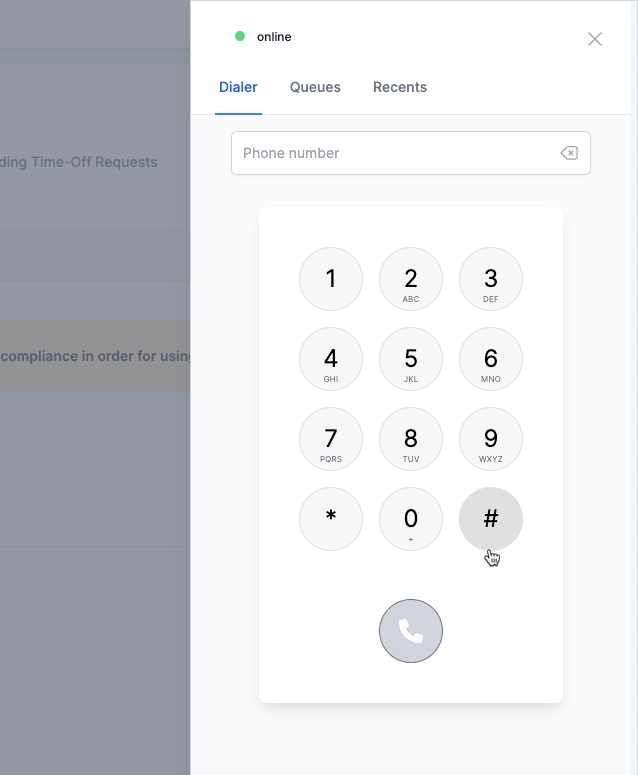
You can then type a phone number or use the dial pad to enter the phone number you want to call and click on the call button.
You can also make outbound calls on the go by downloading our mobile apps:
• **Download on the App Store**
This allows you to stay connected and make calls from your cellphone anytime, anywhere.