
What Is a Ring Group and How Is That Different from a Call Queue?
A ring group allows you to send incoming calls to a group of users/teammates. To create a ring group that you can use to route calls in your company number call handling, expand the "Company Phone Number" on the left navigation menu and click on "Ring Groups".
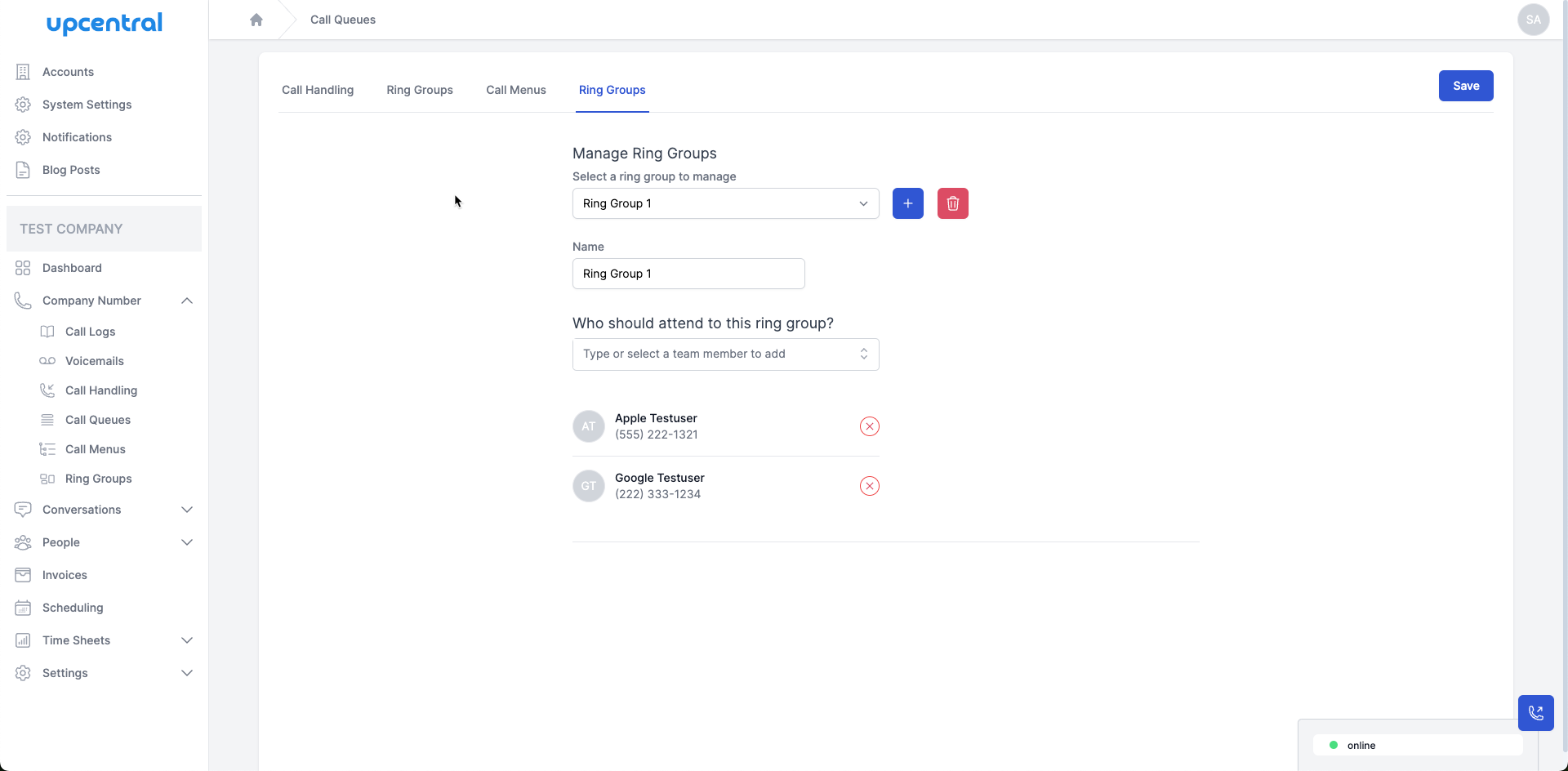
To create a ring group, click on + button and enter a name for the ring group you're creating.

Next click on the "Save" button the save the ring group. You can now select who should attend to calls for this ring group by selecting the team member(s) from the drop-down list.